






Introduction
In today’s fast-paced digital age, online shopping has transformed into one of the most convenient ways for people to explore products and services. From fashion and electronics to groceries and wellness goods, the internet offers nearly everything at our fingertips. However, along with this convenience comes a set of challenges that every online shopper must be aware of—chief among them is safety.
With cybercriminals becoming increasingly sophisticated, protecting your personal data while shopping online is no longer optional; it’s essential. At goshipkart.com, a USA-based e-commerce platform, we strongly believe that awareness is the key to ensuring a safe, secure, and worry-free shopping experience. This comprehensive guide will walk you through top safety tips for online shoppers so you can confidently navigate the digital marketplace.
1. Use Trusted Platforms
One of the first and most crucial steps in safe online shopping is sticking to trusted websites. Well-established platforms typically use advanced encryption methods, maintain updated security protocols, and have strict data protection policies. Be cautious of unknown or unfamiliar sites, especially those that offer deals that seem too good to be true—they often are.
Tip: Look for websites that use HTTPS (the padlock symbol in the URL bar) as it indicates a secure connection.
2. Strengthen Your Passwords

Passwords are your first line of defense in protecting personal accounts. Many people still use predictable combinations such as “123456” or “password,” which make accounts vulnerable to hacking attempts.
Best practices for strong passwords include:
-
Use at least 12 characters.
-
Combine uppercase and lowercase letters, numbers, and symbols.
-
Avoid using personal information like your name, birthday, or phone number.
-
Change your passwords regularly and avoid reusing the same password across multiple accounts.
Consider using a password manager to securely store and generate unique passwords for all your accounts.
3. Enable Two-Factor Authentication (2FA)
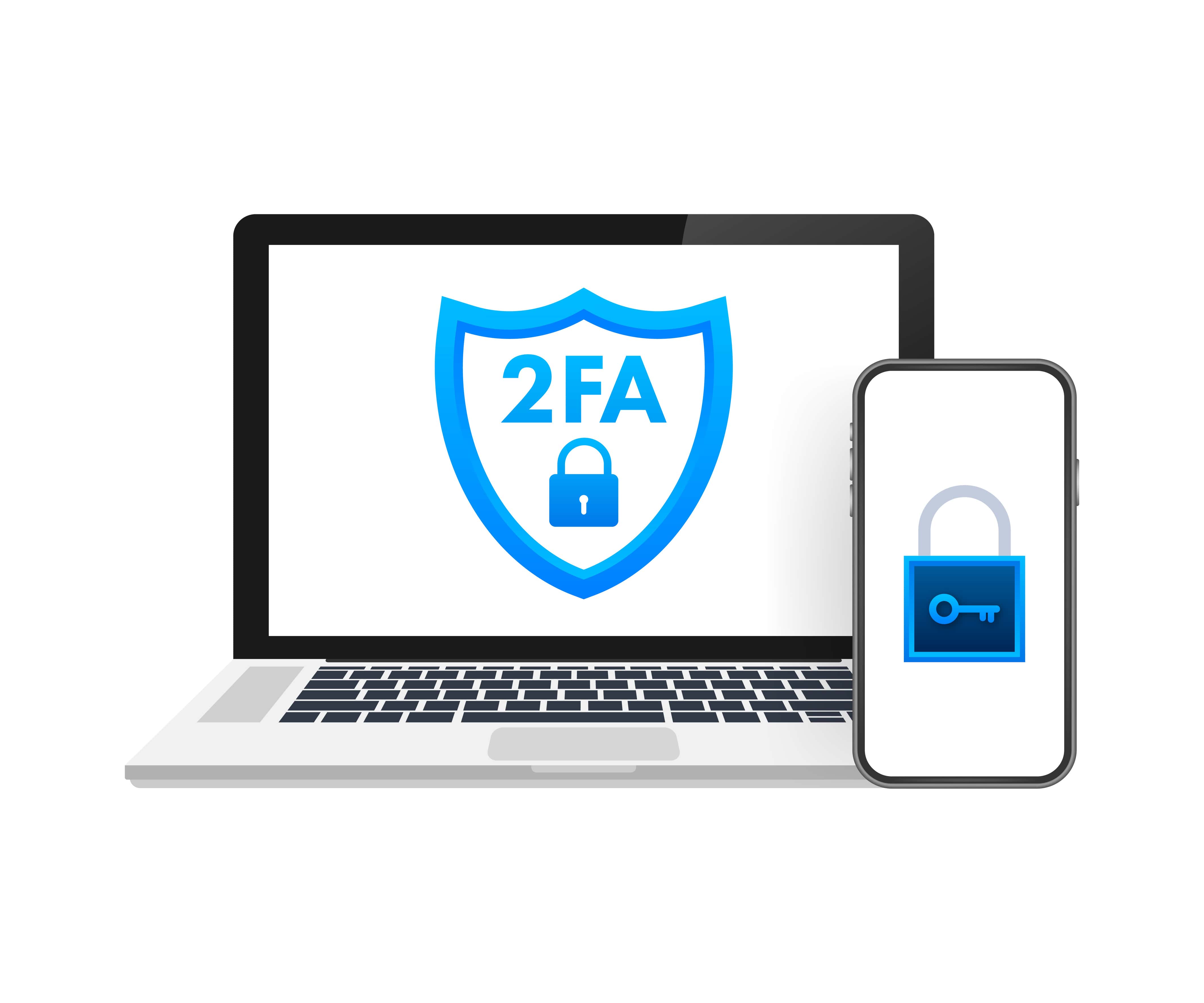
Two-Factor Authentication adds an additional layer of protection by requiring not just a password but also another form of verification, such as a text message code, email confirmation, or authentication app. Even if someone manages to steal your password, they cannot access your account without this second verification step.
4. Protect Your Devices

Your phone, tablet, or laptop is the gateway to your online shopping experience. If it’s not secure, neither is your data.
Protective steps include:
-
Keep your operating system, browser, and apps up to date.
-
Install reliable antivirus software and enable firewalls.
-
Avoid downloading apps from unverified sources.
-
Regularly scan for malware and other threats.
5. Shop Using Secure Networks

Public Wi-Fi might be convenient, but it’s also one of the riskiest ways to conduct online shopping. Hackers often target unsecured networks to intercept data such as login credentials and credit card information.
Safer alternatives include:
-
Using your mobile data connection.
-
Connecting via a Virtual Private Network (VPN), which encrypts your internet traffic and protects your identity.
6. Recognize and Avoid Phishing Scams

Phishing is one of the most common tricks cybercriminals use to steal personal data. It usually comes in the form of fraudulent emails, texts, or ads pretending to be from legitimate companies.
Signs of phishing attempts include:
-
Spelling errors and poor grammar in emails.
-
Urgent messages that pressure you into clicking a link.
-
Links that don’t match the sender’s official domain.
-
Requests for sensitive information such as Social Security numbers or credit card details.
Always verify the sender’s email address, and when in doubt, go directly to the company’s official website instead of clicking links in messages.
7. Monitor Your Financial Statements

Keeping track of your bank and credit card statements helps you quickly detect unauthorized transactions. Cybercriminals often test stolen card information with small charges before making larger ones. Early detection allows you to report issues to your financial institution immediately.
Consider setting up real-time transaction alerts to receive notifications whenever your card is used.
8. Be Cautious with Personal Information

Legitimate e-commerce platforms usually only ask for basic details like your name, address, and payment information. If a website or seller is requesting excessive personal details such as your Social Security number, that’s a red flag.
Limit the amount of personal data you share online, and never overshare on shopping platforms.
9. Use Secure Payment Methods

When making online payments, always use secure and recognized methods. Credit cards, for instance, often offer stronger fraud protection than debit cards. Digital wallets like PayPal, Apple Pay, or Google Pay add another layer of protection by not directly sharing your card information with the seller.
Avoid direct bank transfers or wiring money, as these methods are harder to trace and offer little recourse if something goes wrong.
10. Read Reviews and Research Sellers

Customer reviews are not just about product quality—they can also signal whether a seller is legitimate. Consistent negative feedback about suspicious practices or non-delivery of items should be a warning sign.
Do a quick background check on sellers by searching their name, reading ratings, and checking their history on trusted platforms.
11. Look for Trust Seals and Certifications
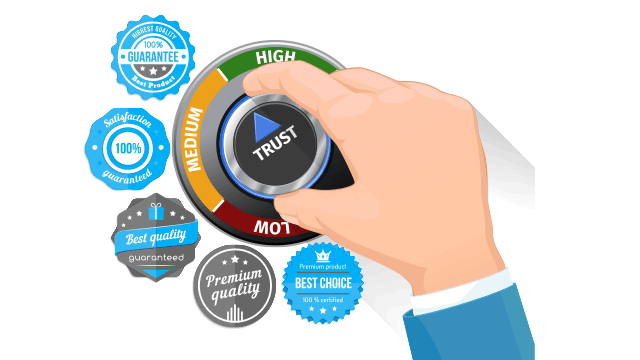
Reputable e-commerce websites often display trust seals such as Norton Secured, McAfee Secure, or BBB Accredited Business. These certifications indicate that the site has undergone specific security checks.
However, be cautious: fake seals exist. Always click on the seal to verify its authenticity.
12. Watch Out for Overly Attractive Deals
Cybercriminals frequently use “unbelievably low prices” as bait. If an offer seems drastically cheaper compared to other websites, it’s often a scam designed to collect your payment information.
Awareness tip: Compare prices across multiple platforms before making any decision.
13. Regularly Clear Cache and Cookies
Web browsers often store cookies and cache that track your online activity. While cookies can improve your browsing experience, they can also store sensitive data. Regularly clearing them reduces privacy risks and ensures your data doesn’t fall into the wrong hands.
14. Keep Your Email Secure
Many cybercrimes start with compromised email accounts. Since your email is often linked to your online shopping accounts, securing it is critical.
-
Use a strong, unique password.
-
Enable Two-Factor Authentication.
-
Be cautious of suspicious emails that request login credentials.
15. Stay Updated on Security Trends
The world of cybersecurity evolves rapidly, with new threats emerging constantly. Stay informed about the latest scams, updates, and protective measures by following reputable cybersecurity news sources.
Awareness is not a one-time effort but an ongoing responsibility.
16. Educate Family Members

If multiple members of your household shop online, it’s important to share these safety practices with everyone. Children and seniors are often the most vulnerable targets of scams. Simple education can prevent major issues.
17. Use Strong Security Questions

Many accounts still use security questions as a backup verification method. Avoid choosing questions with answers that can easily be guessed or found online, such as “What’s your mother’s maiden name?” or “What city were you born in?” Instead, choose unusual questions or answer them in ways that only you would understand.
18. Trust Your Instincts

If something feels off—whether it’s the design of a website, the way a seller communicates, or the type of information being requested—trust your gut. It’s better to walk away from a suspicious situation than to risk exposing sensitive information.
Conclusion: Awareness Is the Key to Secure Shopping
The digital world has unlocked limitless opportunities for convenience and accessibility, but it has also created new vulnerabilities that shoppers must be vigilant against. By following these top safety tips, online shoppers can significantly reduce risks and enjoy a safer, more secure experience.
At goshipkart.com, we emphasize that awareness is not only about finding the right product but also about protecting yourself in the process. Secure practices ensure peace of mind, allowing you to focus on what matters most: exploring products that truly fit your needs without fear of compromised safety.
Staying aware, informed, and cautious is the ultimate strategy in navigating today’s online shopping landscape